Volume
Booster
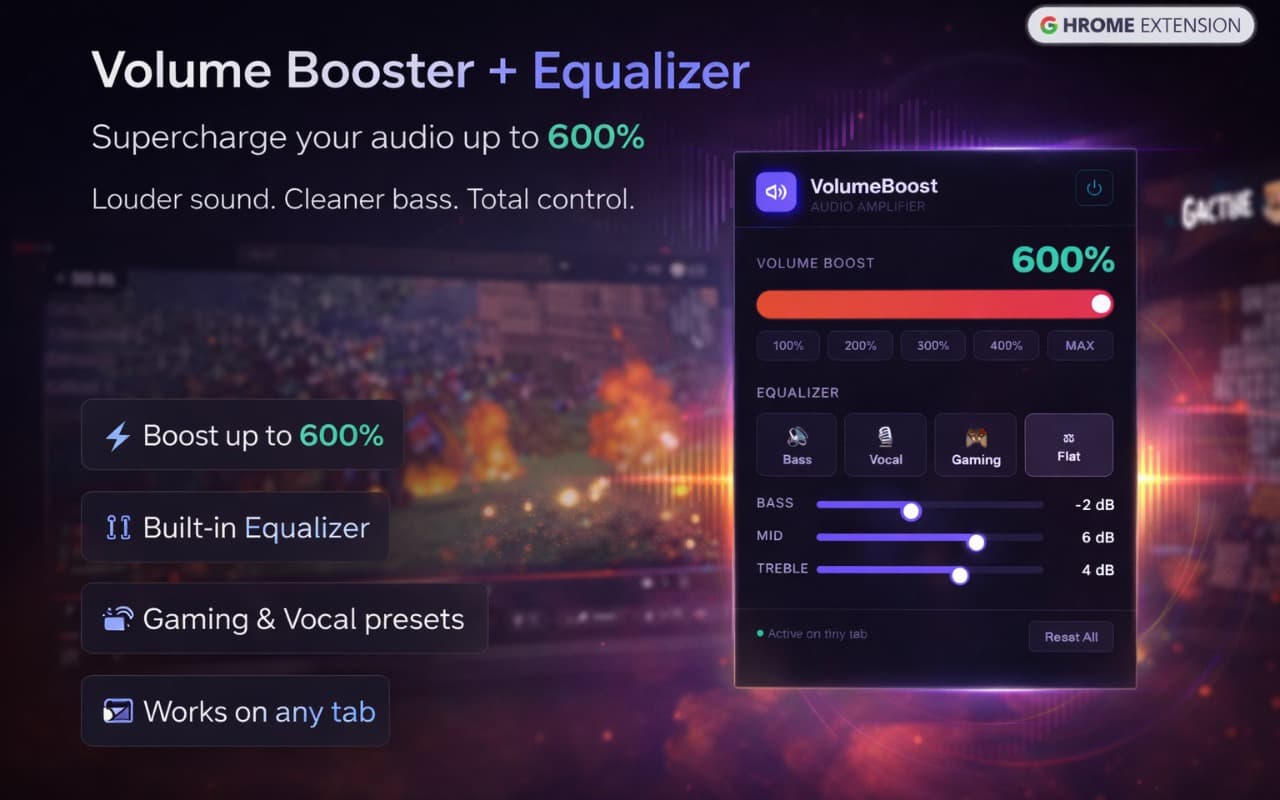
Boost audio up to 600% and fine-tune your sound with a built-in equalizer. Works on every tab — YouTube, Netflix, Spotify, and beyond.
How It Works
Install
Add Volume Booster from the Chrome Web Store.
Click the Icon
Open the popup on any tab and drag the volume slider past 100%.
Tune Your Sound
Use EQ presets or custom settings to get the exact sound you want.
Features
Boost Up to 600%
Push audio beyond the system maximum — perfect for quiet videos or low-volume recordings.
Built-In Equalizer
Fine-tune bass, mids, and treble with EQ presets designed for music, speech, and movies.
Per-Tab Control
Boost audio on specific tabs without affecting others. Full independent control.
All Audio Sources
Works on YouTube, Spotify Web, Netflix, Twitch, and every other audio-playing site.
Instant Response
Volume changes apply immediately — no lag, no delay, no reloading needed.
Privacy First
No audio recording, no data sent anywhere. Your sound stays on your device.